What a pink and purple window is in Aviator AI
Understand what the app marks as a pink or purple window: a measured stretch of rounds, with the rate observed so far. It is not a prediction.
 EN
 PT
 HI
 ES
Anyone who follows Aviator AI has probably seen the word window appearing on screen, in pink or purple. Today's tip explains exactly what it means, because this part tends to cause more confusion than it should.
A marked stretch, not a guess
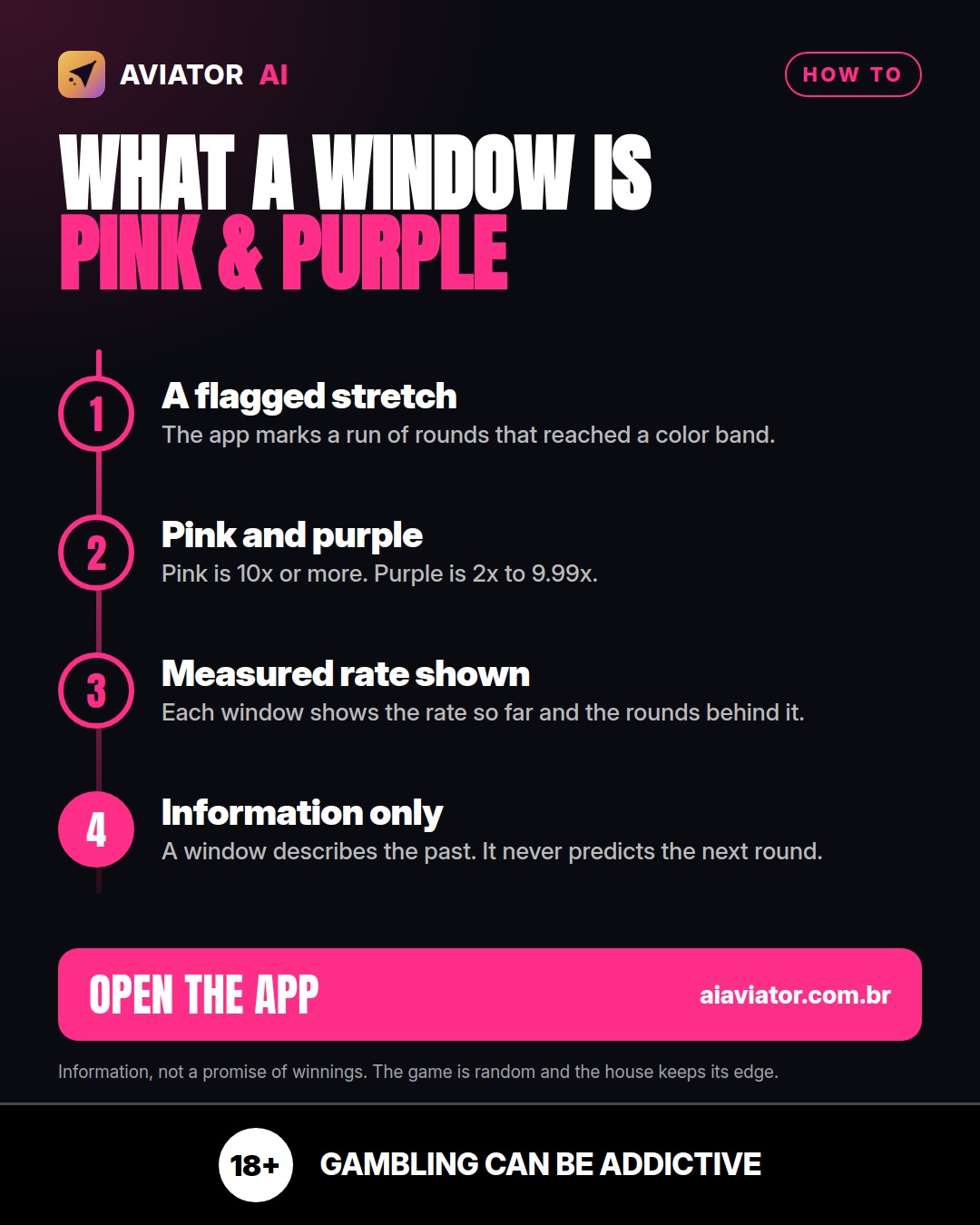
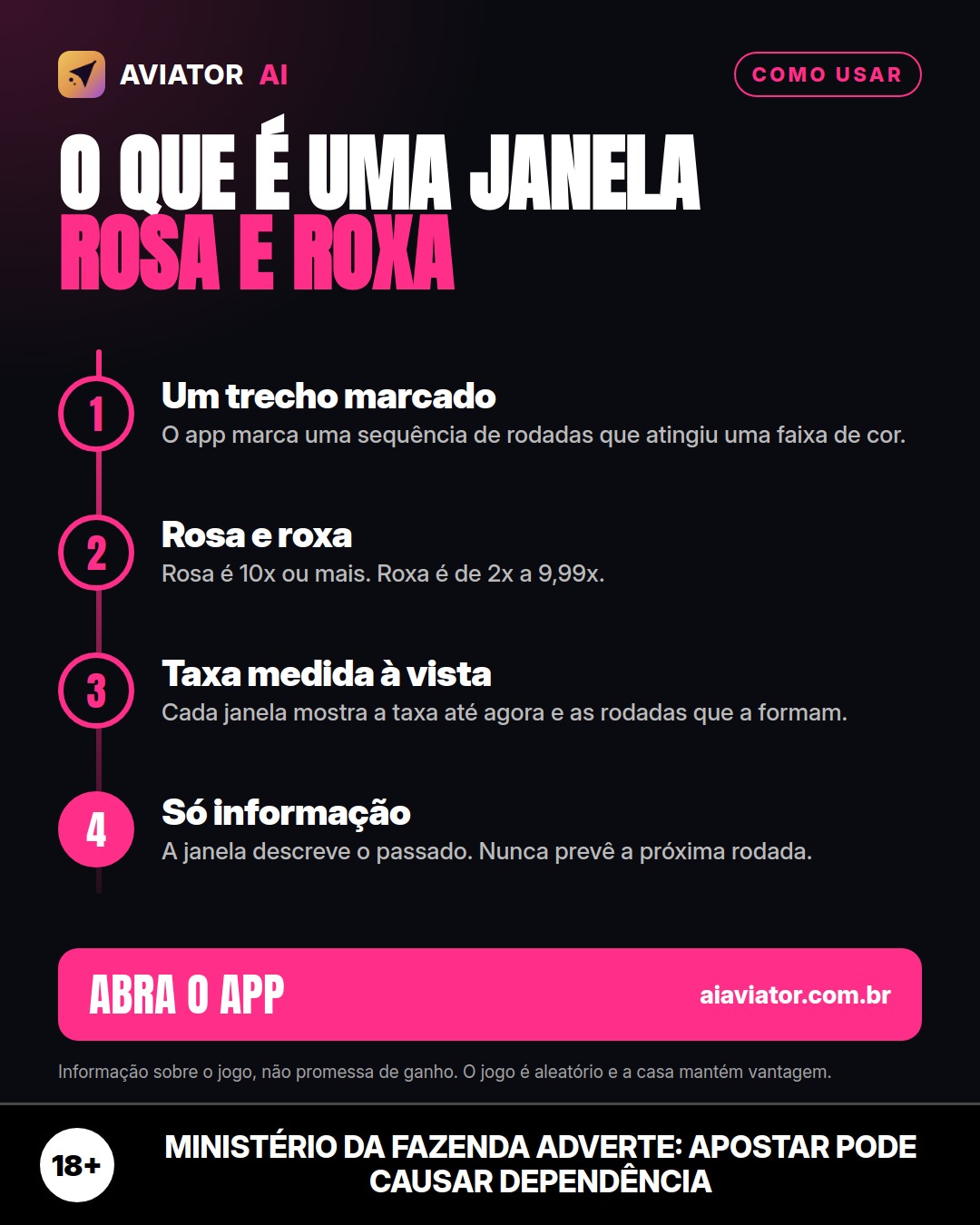
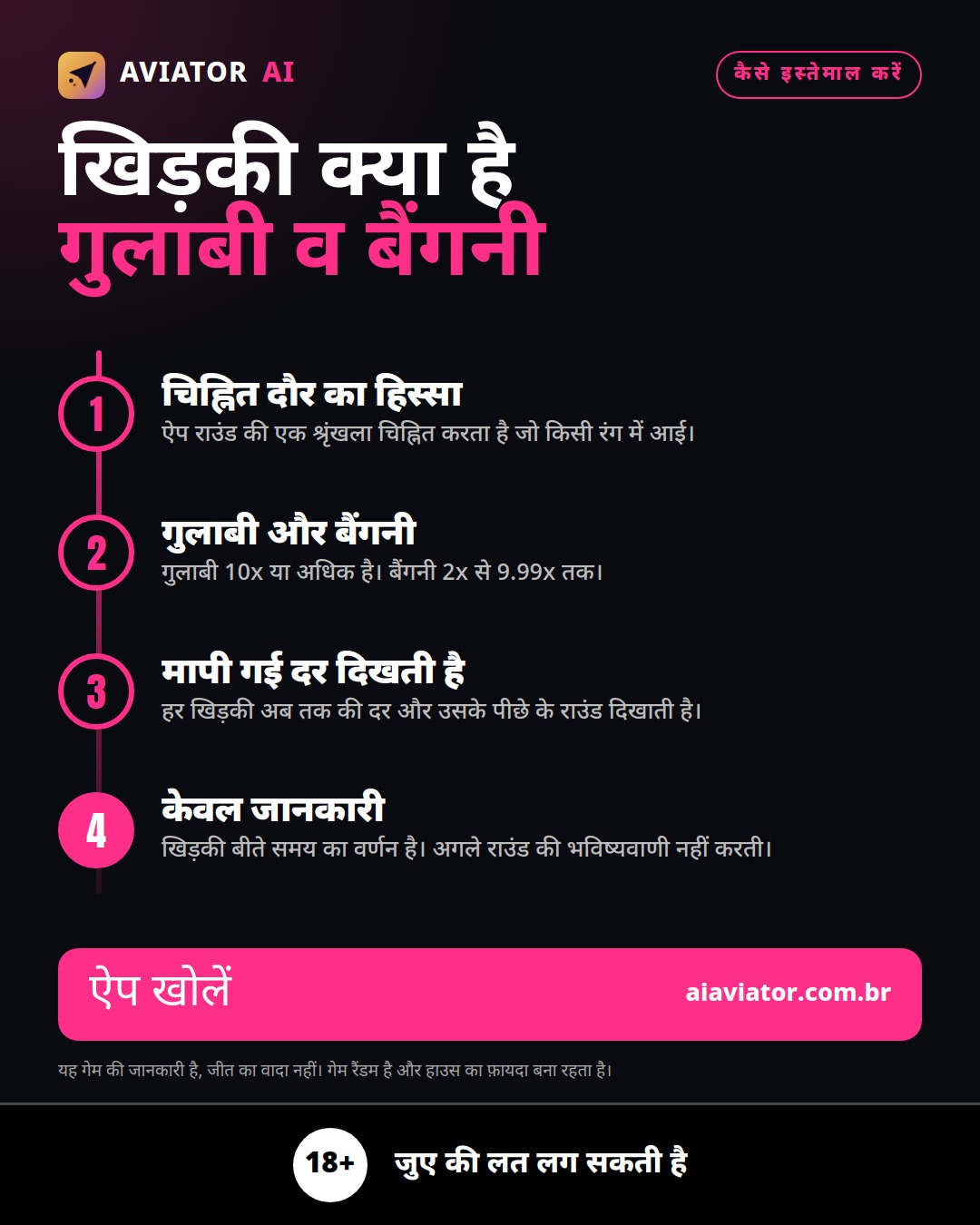
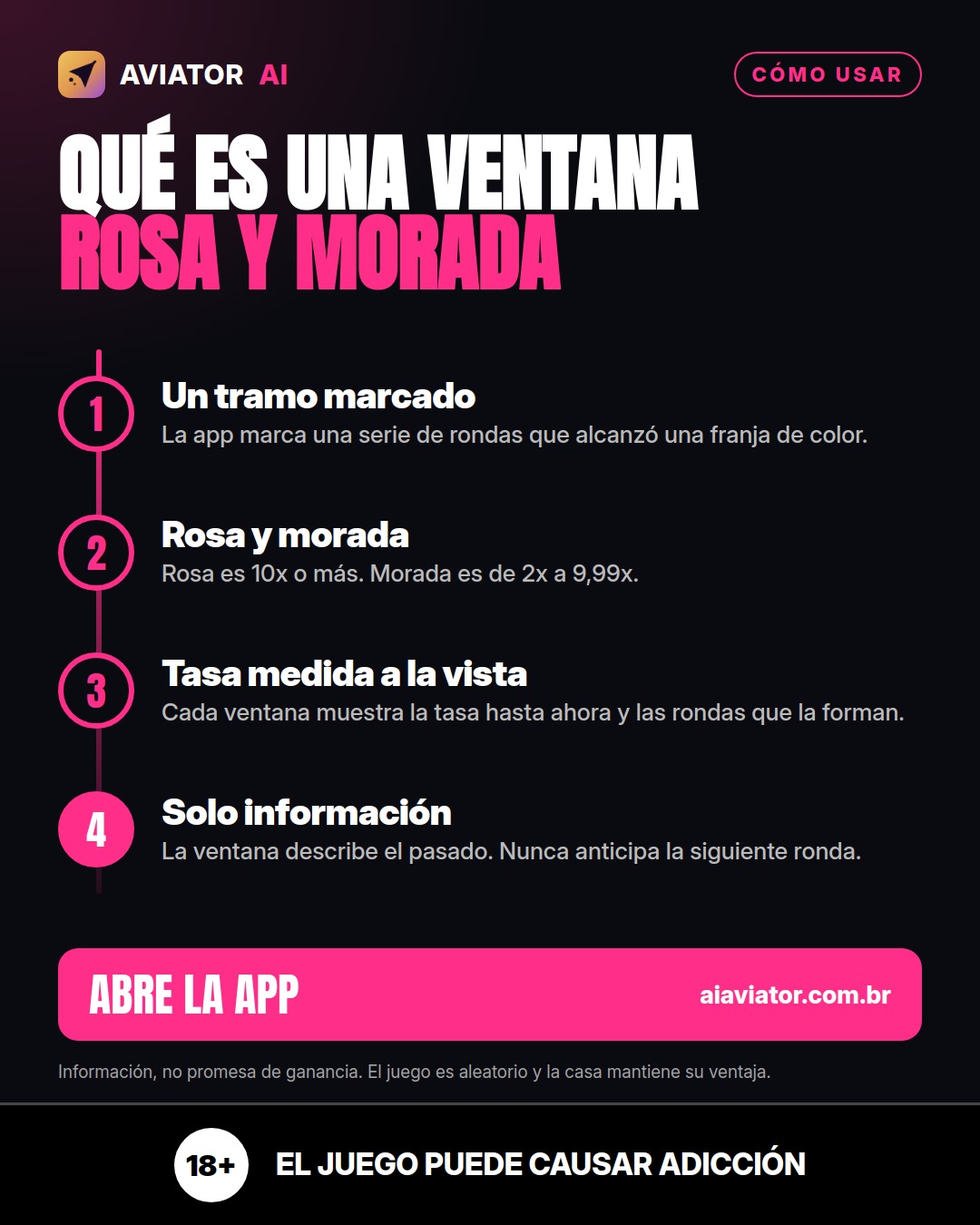
The app marks a sequence of rounds that reached a color band. It does not look to the future: it reads the rounds that have already happened and records when a recent stretch reached a certain band. The window is therefore a description of the recent past.
This makes a difference in practice. When the screen shows a window, what is being reported is what happened in that interval, not what will happen in the next round.
Pink and purple: the color bands
The color depends on the round's multiplier. In the app, a pink round is one at 10x or more, and a purple round is one from 2x to 9.99x. Blue falls below 2x.
In other words, a pink or purple window is simply a stretch in which the app counted rounds from those bands. Anyone looking at the window should read the color as a classification of each round's result, without interpreting it as a signal.
Measured rate at a glance and the rounds that form it
Each window shows the rate observed so far, together with the number of rounds that supports that rate. This detail matters: a rate calculated over few rounds says very little, and the quantity beside it helps gauge what is being shown.
The app shows what it measured, including hits and misses. There is no hidden rate behind the window, nor any additional reading that the user cannot check.
In the app
- Pink and purple windows appear with the measured rate and the number of rounds that form it.
- Each round's color follows the defined band: pink at 10x or more, purple from 2x to 9.99x, blue below 2x.
- The app's own hits and misses are recorded for review.
For beginners, it is worth keeping one simple idea in mind: the window answers the question "what has been measured so far?". It does not answer "what comes now?", and no honest tool can answer that second question.
Use Aviator AI as a source of information about the game. Play only with money you can afford to lose, set limits before you start, and stop when they are reached. If the game stops being fun, seek help. This content is for people over 18.
Information about the game, not a promise of winnings. Past results do not determine future ones.
Frequently asked questions
Does the pink window indicate that the next round will be high?
No. The window describes a stretch of rounds that have already happened and the rate measured so far. It does not predict the next round.
What do pink and purple mean?
Pink is a round of 10x or more. Purple is a round from 2x to 9.99x. Blue falls below 2x.
Why does the rate come with the number of rounds?
Because a rate calculated over few rounds has little meaning. The number of rounds beside it helps you understand the sample size behind what is being shown.
Share