Today's matches, in an Aviator AI tab
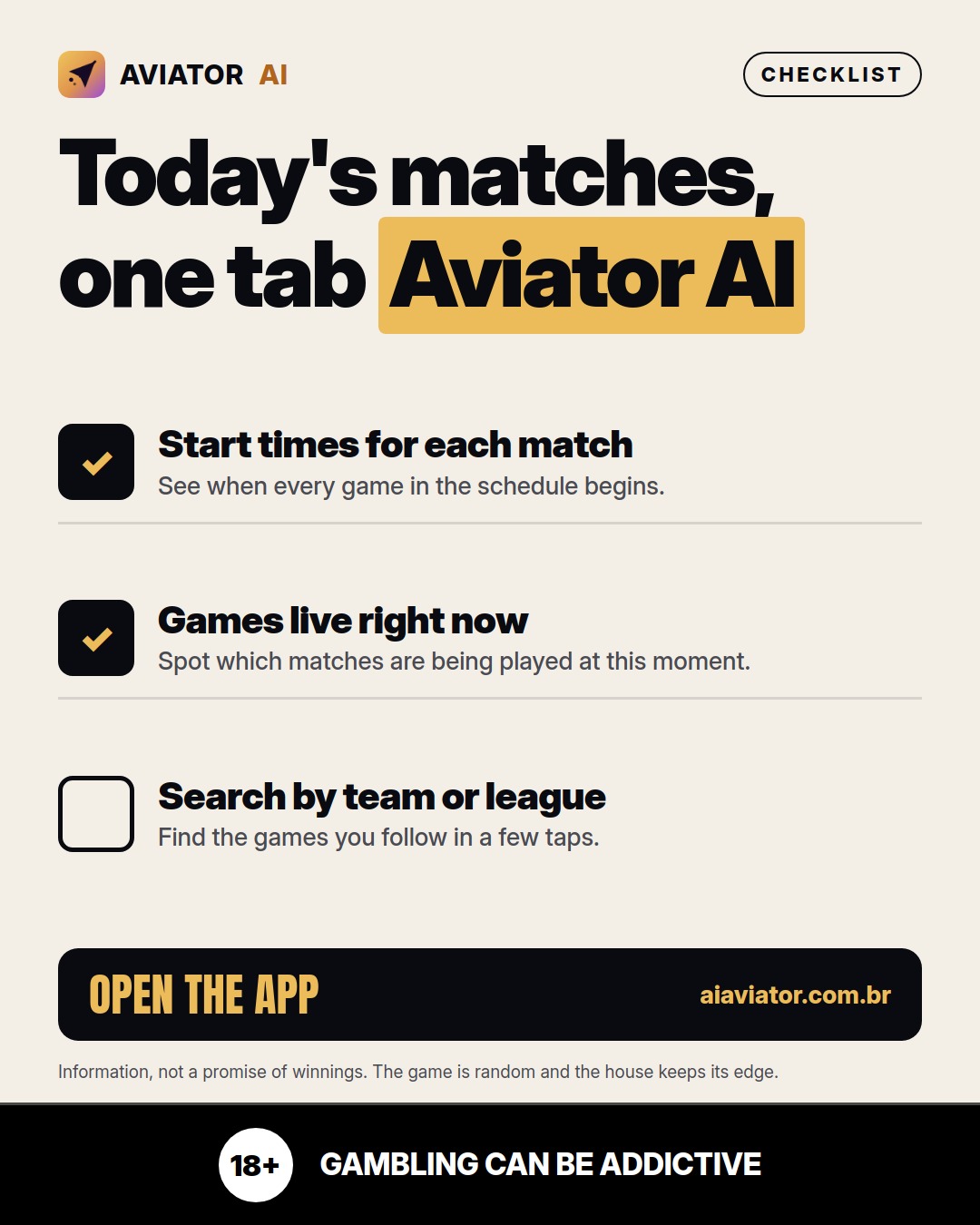
The The Sport tab gathers the day's schedule, with the start time of each match, live games and search by team or league.
 EN
 PT
 HI
 ES
Anyone who follows football knows the match day is usually packed: matches at different times, varied leagues and the constant question of when each team takes the field. With that in mind, the The Sport tab in Aviator AI was designed to bring this information together in one place, so you don't need to open several sites to build your own schedule.
Start time of each match
The tab's first function is to show the match schedule with the start time of each game. That way, instead of searching for scattered information, you can see at a glance what starts earlier, what starts at night and the order in which the matches will take place throughout the day.
This feature helps you organize your time: you can plan to follow the games that interest you most without missing the start of any important match.
Live games right now
The tab also identifies the matches currently in progress. This lets you quickly see which games have already started and which are still to come, which helps you avoid confusing a match that is already in the second half with one that hasn't started yet.
It's worth remembering that the tab is a schedule: it shows the calendar and the status of each game, but it does not provide statistics, odds or tips on the result.
Search by team or league
If you follow a specific team or competition, searching by team or league takes you straight to the matches of interest. With a few taps, the matches you follow appear, without needing to scroll through a long list of fixtures.
In the app
- Day's schedule: the list of matches with the start time of each game, in the The Sport tab.
- Live: identification of the games in progress right now.
- Search: quick location of matches by team or league.
- No statistics or tips: the tab is limited to the schedule and game status. Discover Aviator AI
This content is informational and intended for people aged 18 and over. Betting involves risk of financial loss. Play responsibly, set limits before you start and seek help if you notice the game is affecting your life. Past results do not determine future ones.
Use the The Sport tab as an organizational tool to follow your game schedule, without relying on memory or scattered searches across the internet.
Frequently asked questions
Does the The Sport tab show match statistics?
No. The The Sport tab is a schedule: it shows the matches, the start time of each one and which are live. It does not include statistics, odds or tips.
How do I find the games of a specific team?
Use search by team or league. It quickly locates the matches you're looking for, without having to scroll through the full list of the day's fixtures.
Can I tell which games have already started?
Yes. The tab identifies the matches currently in progress, which helps distinguish games that have already begun from those that have yet to start.
Share