Day tip: “safe” can be forged and hide malware
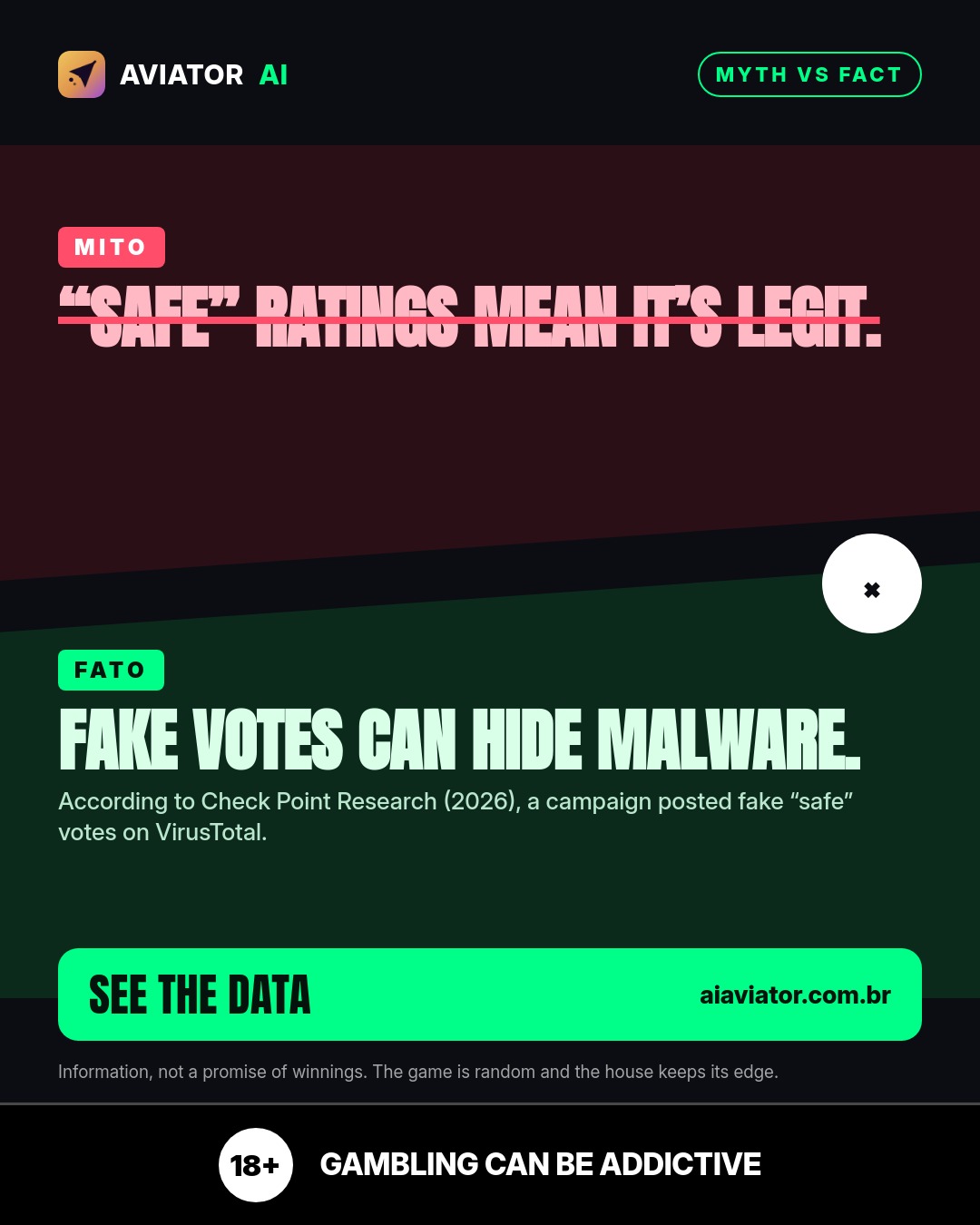
The “safe” classification can be manipulated. The campaign cited by Check Point Research used fake “safe” votes on VirusTotal and also bought articles to give it a legitimate appearance.
 EN
EN PT
PT HI
HI ES
ESDoes a “safe” rating prove it’s legitimate? Not always. According to Check Point Research (2026), a campaign posted fake “safe” votes on VirusTotal to make the malicious download look clean — and that directly affects what we trust before clicking.
1) When “safe” is just an appearance, the risk remains
In practice, the issue isn’t the idea of checking an indicator: it’s when the indicator can be fed by external actions. According to Check Point Research (2026), the campaign posted fake “safe” votes on VirusTotal, with the goal of making the malicious download look “clean”.
This helps explain today’s hook: a superficial read of “marked as safe” can fail precisely because the signal can be manipulated. It’s as if the label was produced to inspire trust, even if the file didn’t deserve it.
2) Fake votes don’t show up on their own: credibility is built
What stands out in the account is that the campaign didn’t stop at the technical indicator. According to Check Point Research (2026), it also paid for articles on news sites to seem legitimate.
This point matters because it creates a “package” of trust: on one side, a signal that suggests safety; on the other, an editorial reinforcement to support the narrative. When this happens, attention needs to be doubled across the whole set — not just with a single marker.
3) How the tip connects with the right way to look at evidence in the app
Today’s message is about verification with context. In Aviator AI, the focus isn’t on trusting what “looks safe”; it’s about tracking what was measured at the moment, understanding what was identified, and how it behaves across monitoring.
The product tracks a high volume of activity over time (rounds monitored since the start of the measurement: 1.051.924; forecasts generated: 1.525.823). This helps reinforce a simple idea: the more signals you observe continuously, the less you rely on a single “stamp” that may have been forged.
And here the tip connects directly: if there’s a possibility that a “safe” signal can be staged, responsible reading means being more selective. In the app, you’re not stuck on an impression — you follow what the system measured and what it publishes.
In the app
- Live readings of what the system measured in the rounds
- Monitoring history over time
- Tracking signals that help keep your focus on what’s happening
Always play responsibly: Aviator AI is for information (18+). Use it consciously, respect limits, and remember: nothing here replaces personal judgment, and what you see as “safe” may be subject to manipulation.
Sources
Frequently asked questions
What Check Point Research (2026) said about the “safe”?
According to Check Point Research (2026), the campaign posted fake “safe” votes on VirusTotal to make the malicious download look clean.
Besides the fake votes, what was another action cited in the campaign?
According to Check Point Research (2026), the campaign also paid for articles on news sites to look legitimate.
How much activity does Aviator AI monitor in the context of this measurement?
The tracking cited indicates rounds monitored since the start of the measurement: 1.051.924 and forecasts generated: 1.525.823.
Share