What is a pink or purple window in Aviator AI: a measured stretch, with rate and sample
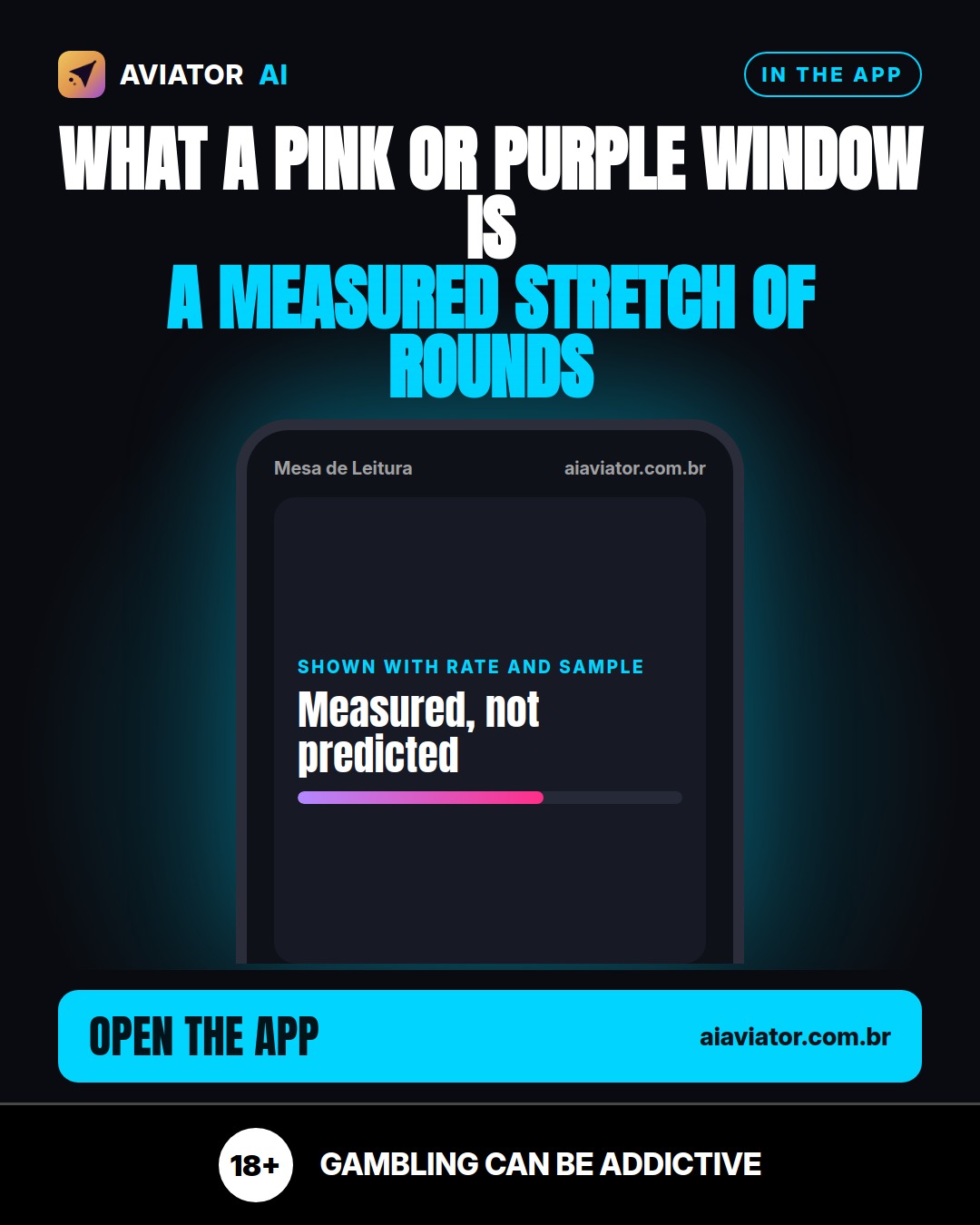
Understand what Aviator AI calls a pink or purple window: a measured stretch of rounds, shown with the rate and the sample size behind it.
 EN
EN PT
PT HI
HI ES
ESAnyone following Aviator AI has probably seen the expression pink or purple window on screen. It appears often and tends to raise questions: what exactly is the app showing? The short answer is this: a window is a stretch of rounds that the system has measured, not a prediction of what comes next.
What the app actually shows
A pink or purple window in Aviator AI always appears alongside two pieces of data: the rate measured so far and the number of rounds that make up that rate. In other words, the app tells you how many times the event occurred within an observed set of rounds, and in what proportion. That set is the sample, and it matters as much as the rate, because a rate calculated over few rounds says very little.
The central point is the difference between measuring and predicting. Aviator AI reads the rounds live and publishes what it measured, including hits and misses. It does not claim that the next round will be pink or purple. The window describes a stretch that has already happened.
The colors and what each one means
In the app, the color of each round follows a fixed multiplier rule:
- Pink: a round of 10x or more.
- Purple: a round from 2x to 9.99x.
- Blue: a round below 2x.
So a pink or purple window is simply a stretch in which the frequency of these colors was recorded and displayed along with its rate and sample. The color is a classification of each round's result, not a signal about the one that follows.
Why the sample matters so much
A rate is only informative when it comes with the number of rounds behind it. With few rounds, any percentage can look high or low purely by chance. That is why, when reading a window, the right question is not just "what is the rate?" but also "over how many rounds was it measured?" If the number of rounds is small, the reading should be cautious.
This is the reason the app shows both figures together. A rate without the sample hides how fragile the information is; with the sample in view, the reader can judge for themselves how much weight to give what they are seeing.
In the app
In Aviator AI, the pink or purple window appears in the tracking panel, always with the rate and the number of rounds measured so far. You can compare the window with the recent color history and observe how the rate behaves as new rounds are added to the count.
- Rate measured so far, displayed alongside the window.
- Number of rounds that support that rate.
- Color history to check the context of the window.
This information is there for reading, not as gameplay instruction. The goal is for you to understand what was measured and on what basis.
The game is for people 18 and over. Play responsibly: set time and money limits before you start, and stop when you are no longer enjoying it. If the game stops being fun, seek support. This content is informational and does not replace your own judgment.
Frequently asked questions
Does a pink or purple window indicate that the next round will be pink or purple?
No. The window describes a stretch of rounds that has already happened, with the measured rate and the number of rounds behind it. Aviator AI does not predict the next round and publishes what it measured, including hits and misses.
Why does the app show the number of rounds alongside the rate?
Because the rate only makes sense with the sample. A rate calculated over few rounds can be very unstable. By showing both, the app lets you assess how strong the information is.
What is the difference between pink, purple and blue?
In the app, pink is a round of 10x or more, purple ranges from 2x to 9.99x, and blue is below 2x. The color classifies each round's result and does not work as a signal about the following ones.
Share